

Quota and Announcing
Shifts are hosted **AT LEAST 3 hours **in advance and **AT LEAST 6 hours **after the end of a previous run. **PLEASE **ensure there is **AT LEAST **1 run per 1 week. Use the command /shift with the New England Transit bot to announce a shift. It is fine to use these commands in any channel as they are only visible to you. (The announcement which will stay consistent in the shifts channel would be visible to everyone.)Review Shift Commands
Learn how and what to use to announce shifts specifically. This article will be the more generic cover of this.
/shift/cancelshift/shiftstop
How to start a shift server
You may know that you use netransit.net/shift or /joinshift to join shifts. These both essentially makes you join the MBTA Shift hub. After you join the hub, it can redirect you to the reserved server that the game is being hosted in.Use traditional methods to join hub
Eithier through the link or command in the hub, use those to join the shift hub. You will know once you see this screen.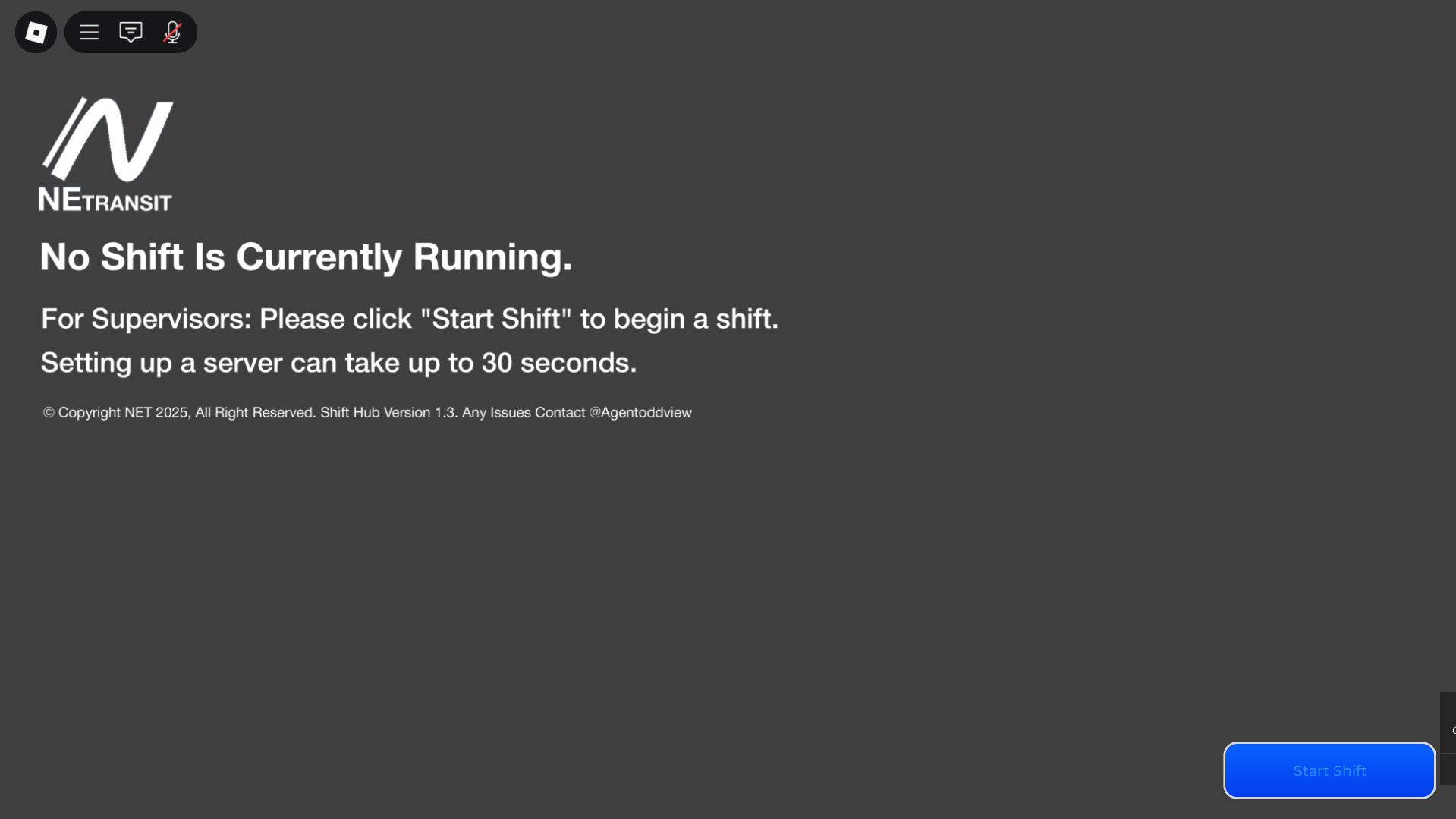
Start Shift Server
Click the blue start shift button. It may take up to 30 seconds to load. You will know it worked once you get teleported into the shift server. After you are in-game, you are all set up.
Now every person which joins will be automatically directed to the shift server.
Now every person which joins will be automatically directed to the shift server.
Operating Shift
Feel free to give out routes, directions, and do other realistic operations during the shift.You can also use Btools to build stuctures or other things in your shift. Please make sure it is realistic! To learn more about Btools, read here.
Learn About Btools
Click here to learn about the right and wrongs and how to use Btools with Adonis.
Operations During Shift
Give out routes EVENLY and I highly encourage you to give out shuttle routes, Free-drive routes, or do a construction event using btools. (Assigning routes is not required) Use the:track command to have the admin show you where everyone is at all times. Supervise the run accordingly.
During the run, make sure all operators are abiding by their route and all road rules. Follow guidelines accordingly on warnings/kicks/bans.
Upon the end of a run, use :n 5-10 minutes before a run is ending to let operators know to head back to the depot when their route is over. (a reminder to have all operators use the OUT OF SERVICE code [WRTA: 1000, MBTA=4321] when they are not actively doing any route).